Turn feedback intocode
changes
Record user paths. Surface issues. Generate code. One loader, no npm updates.
- Free to start
- No credit card
- 2 min setup
Running on this page. Click the bubble in the corner to try it live.
“This button should be blue.”
- component
- <CheckoutButton>
- source
- src/checkout/Button.tsx:42
- change
- change-style
- fix-bug
- element selector
- change-text
- component
- change-style
- file:line
- add-feature
- screenshot
- improve-ux
- console
- network
- viewport
Everything a developer needs, attached before they ask.
- element
- CSS selector, React component name and the source file it lives in.
- screenshot
- The selected element, or a region the reviewer dragged out.
- console
- Recent errors and warnings from the page.
- network
- Recent API calls, failed requests first.
- page
- URL, viewport and user agent.

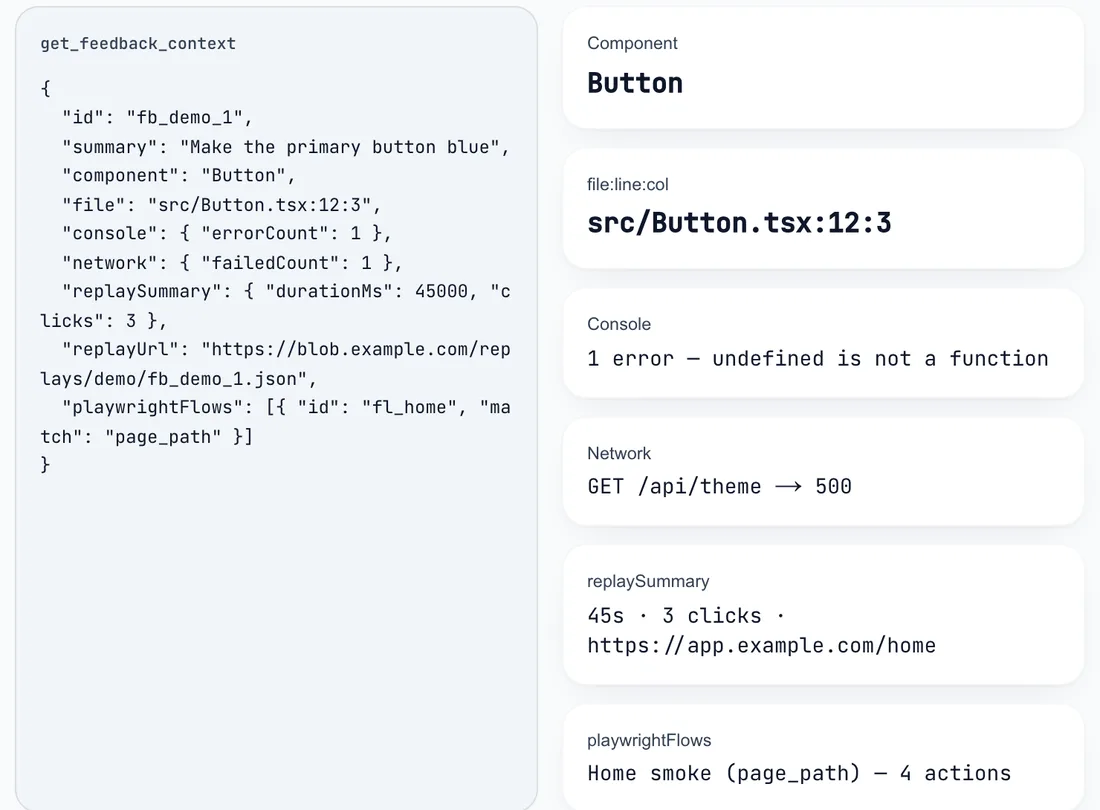
One report as an agent reads it. Watch the 60s file:line demo

Three steps, no translation layer.
A vague stakeholder comment becomes a code change without anyone playing interpreter in the middle.
Add the script tag
Drop the SDK into your site or create a project and share a preview link. The hook maps every DOM element back to its React component and source file.
- loader<script> one tag, no npm updates
- buildsource metadata injected into JSX
- runtime hook__FEEDBACK_DEVTOOLS_HOOK__
- react fiber<CheckoutButton>
- sourcesrc/checkout/Button.tsx:42
Collect feedback
Stakeholders click any element — or drag to capture a region — and describe the change. Screenshot, console errors and network logs attach automatically.
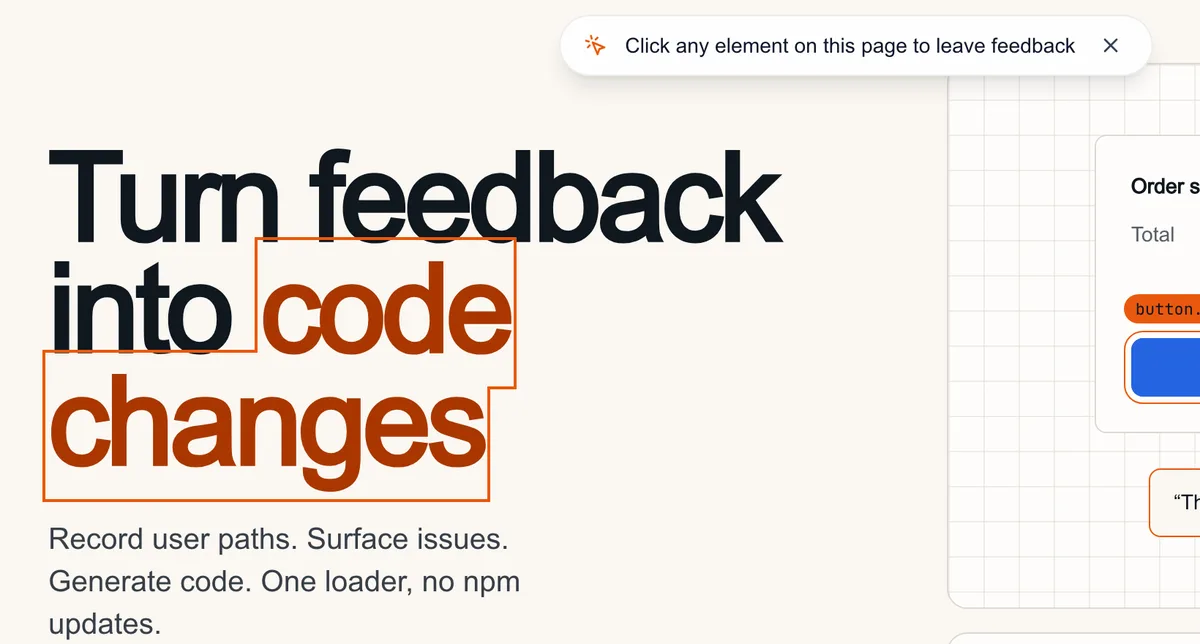
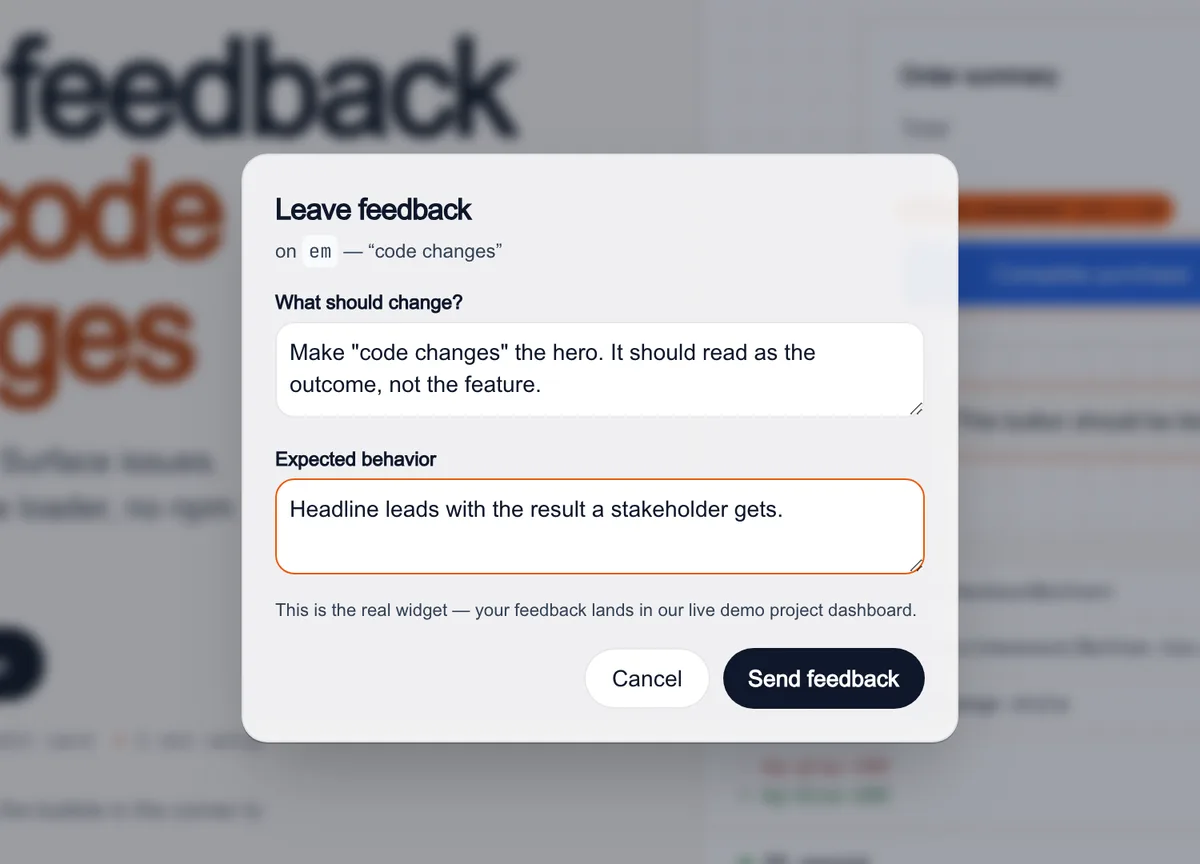
The real widget, running on this page.
Triage with AI
AI scores sentiment, intent and urgency so angry users surface first. One click generates a Claude Code prompt with full source mapping.
- sentiment
- frustrated
- intent
- fix-bug
- urgency
- high
Claude Code prompt
Fix src/checkout/Button.tsx:42 <CheckoutButton>
Request: “This button should be blue.” · change-style
Attached: screenshot, console, network, viewport
Built for the feedback-to-code loop
Source mapping
Every comment pins the exact component name and file location — no more "which button did they mean?"
Shareable feedback links
Send a link, collect annotated feedback from anyone. No account needed for reviewers.
Kanban pipeline
Track every item from new to deployed. Export CSV or JSON whenever you need it.
GitHub Issues export
Reporters never need a GitHub account — but you still get issues. Connect your repo and items auto-file as labeled GitHub issues with the screenshot and source file attached.
Slack alerts
Route new feedback to a Slack channel through an incoming webhook — title, page, file:line and a link back to the item, with automatic retries. Notify-only: no threads, no two-way sync.
AI sentiment & urgencyPRO
Pro triage classifies tone, intent and urgency so the queue sorts itself.
Free to start. AI triage when you need it.
- Free
- $0
- Unlimited feedback collection.
- Pro
- $9/mo per project
- AI sorts the angry users from the nice-to-haves.
Get early access